

Get started in three steps
Get your documentation site running locally and make your first customization.Step 1: Create a free account
Sign up for TrendzSpot AI
Sign up for TrendzSpot AI
Create your account and access all AI tools, automations, publishing features, and template agents from a single dashboard.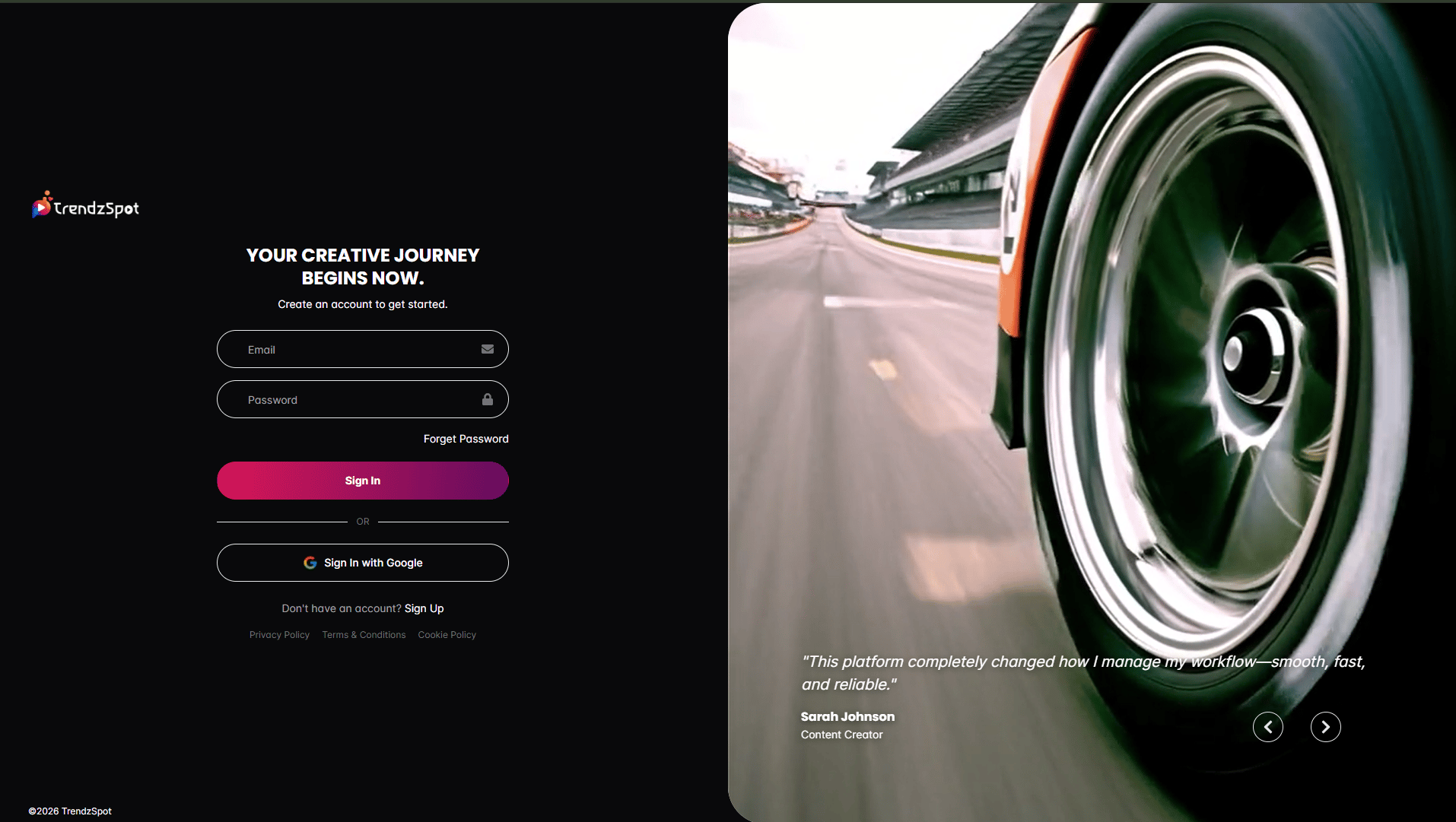
Complete your profile setup
Complete your profile setup
Add your workspace details and configure your preferences to personalize your content workflow.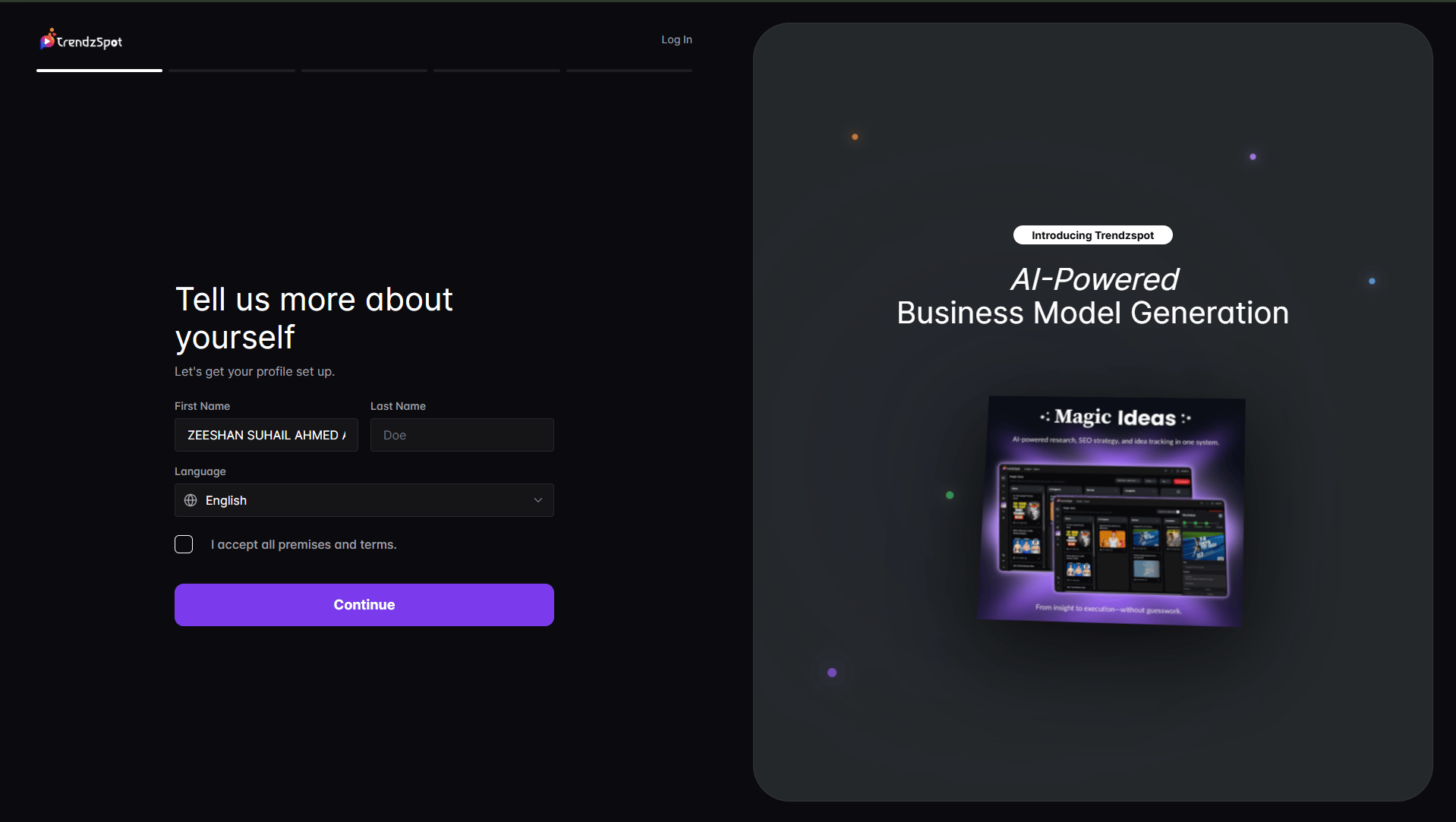
Step 2: Connect your channels
Link YouTube, TikTok, Instagram, Facebook, LinkedIn, X, Pinterest, and more.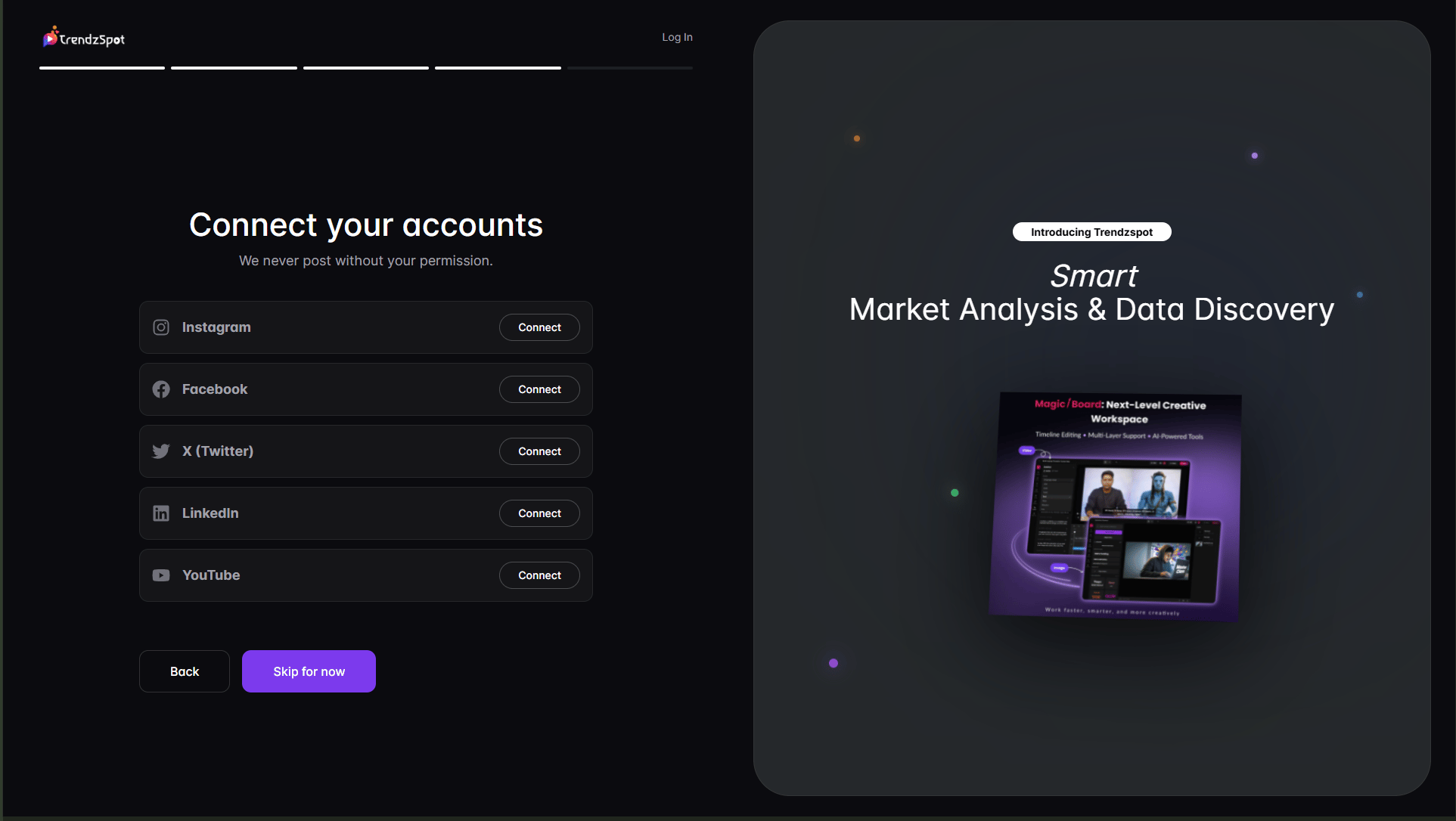
Import your existing content
Import your existing content
Allow TrendzSpot AI to analyze your content, performance metrics, and audience insights.
Step 3: Create & publish
Choose your first AI tool
Choose your first AI tool
Start with Video Creator, AI Editing, Long to Short, RankPilot SEO, AI Boards, or any of the 100+ Template Agents.\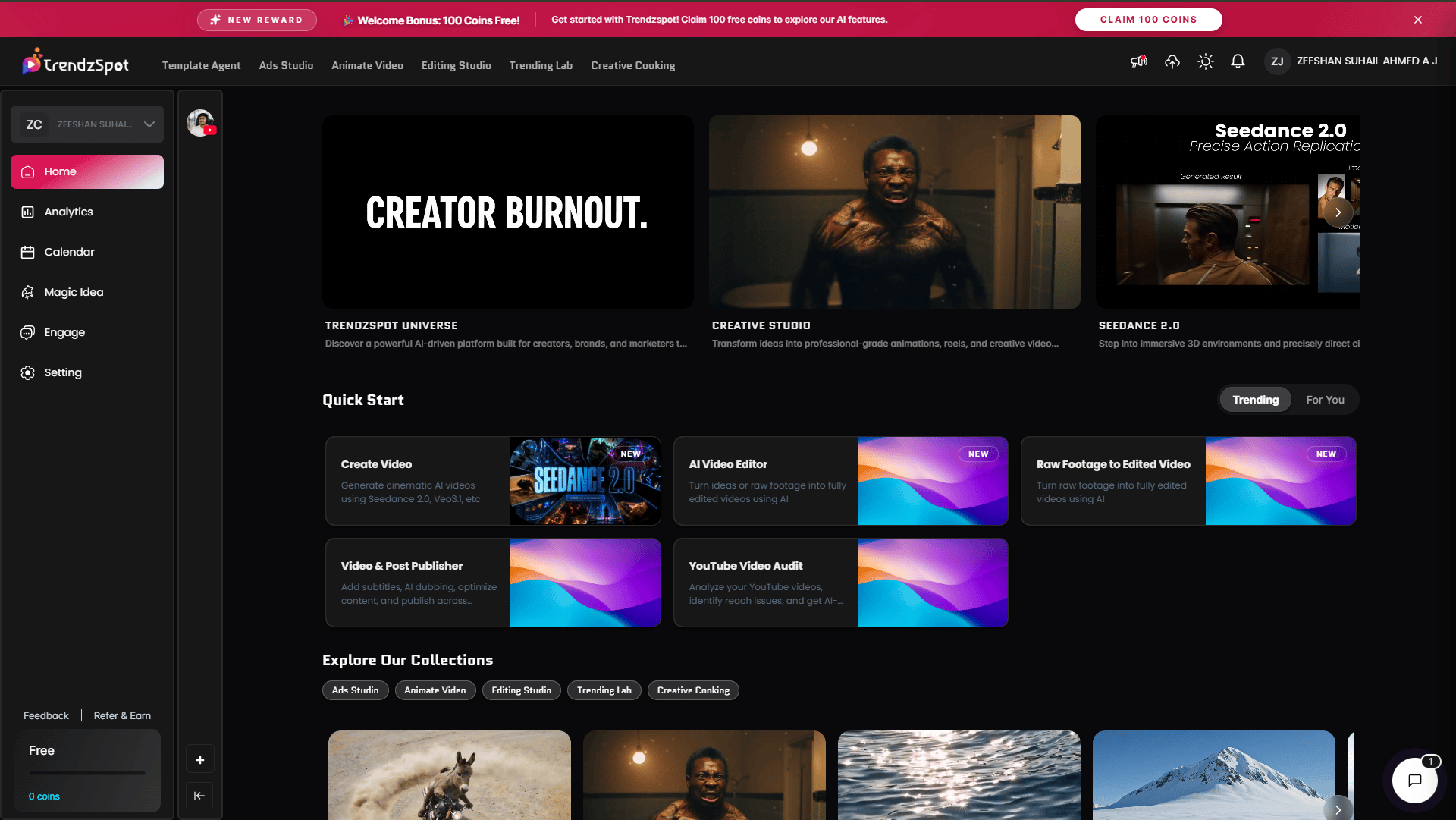
Publish & automate
Publish & automate
Publish across multiple platforms and activate automations to manage comments, inbox messages, and engagement automatically.
Next steps
Now that you have your docs running, explore these key features:Create Content
Generate videos, shorts, ads, UGC content, and social posts using AI.
Optimize Growth
Improve rankings, analyze channels, and discover content opportunities with AI insights.
Automate Workflows
Use Template Agents and no-code automations to handle repetitive tasks
Track Performance
Monitor content performance, engagement, and growth from one dashboard.
Need help? See our full documentation or join our community.