> ## Documentation Index
> Fetch the complete documentation index at: https://docs.trendzspot.com/llms.txt
> Use this file to discover all available pages before exploring further.
# Quickstart
> Get your first AI-powered content workflow running in minutes.
## Get started in three steps
Get your documentation site running locally and make your first customization.
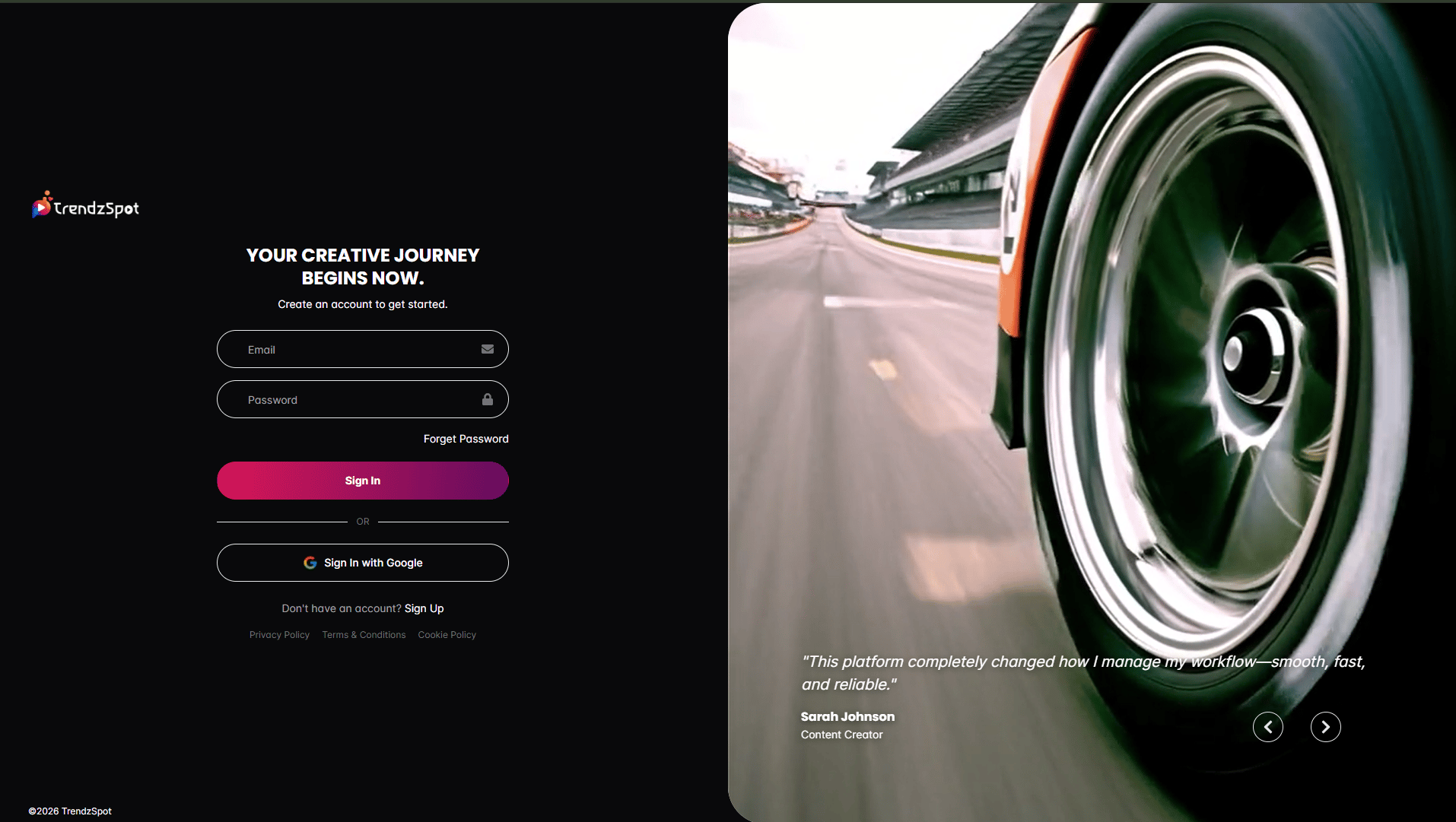
### Step 1: Create a free account
Create your account and access all AI tools, automations, publishing features, and template agents from a single dashboard.
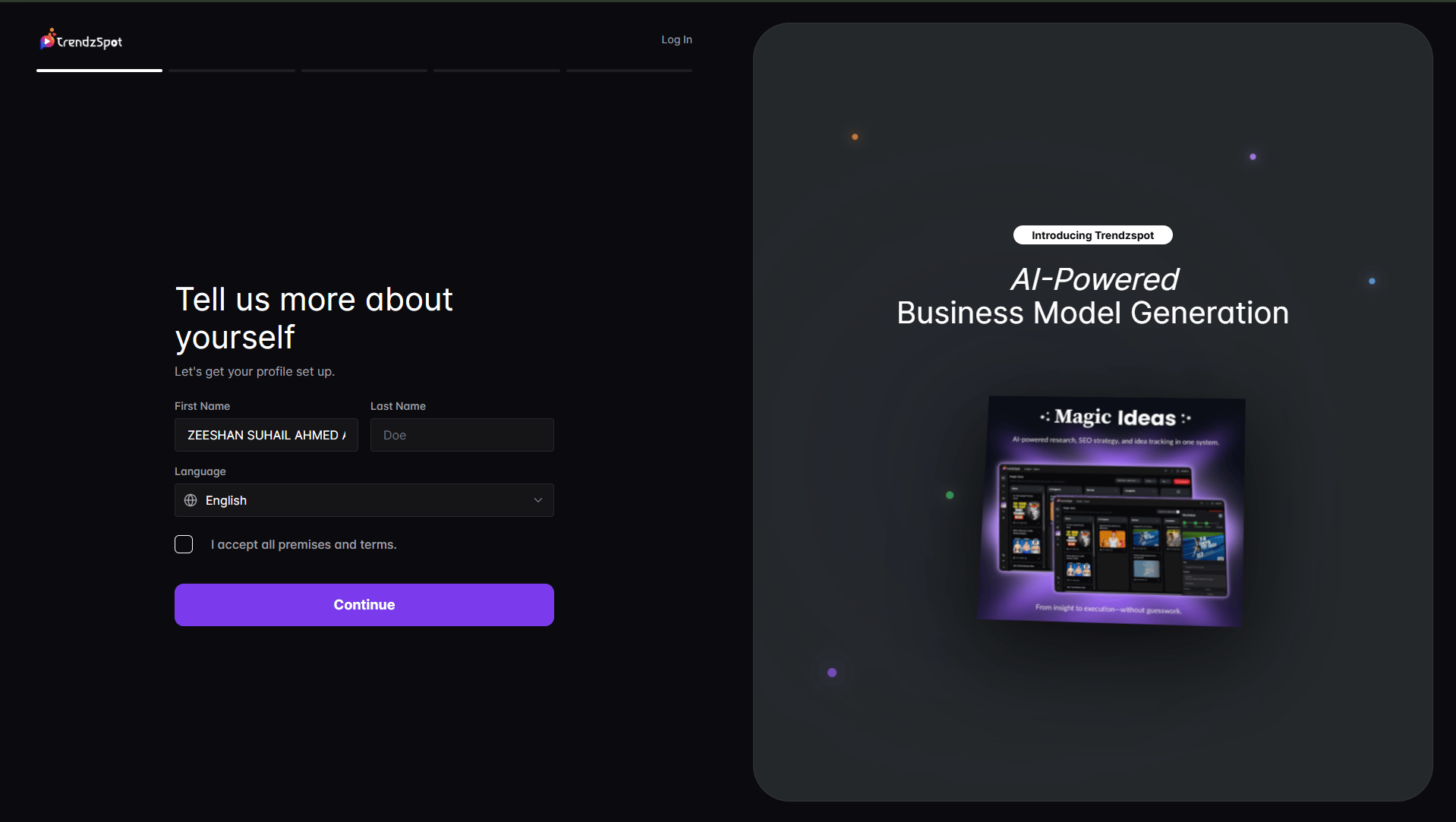
 Add your workspace details and configure your preferences to personalize your content workflow.
 ### Step 2: Connect your channels
Link YouTube, TikTok, Instagram, Facebook, LinkedIn, X, Pinterest, and more.
### Step 2: Connect your channels
Link YouTube, TikTok, Instagram, Facebook, LinkedIn, X, Pinterest, and more.
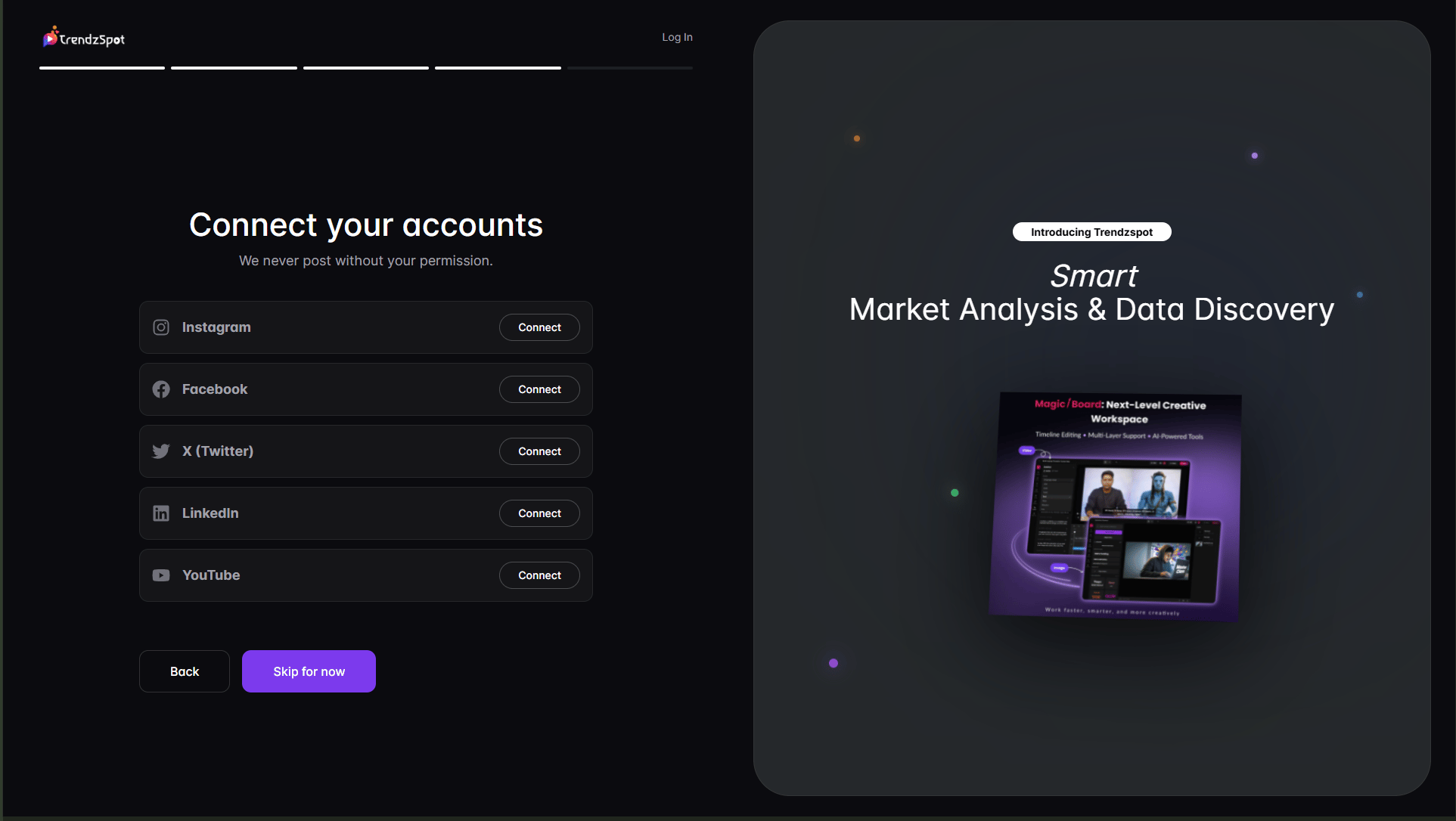 Allow TrendzSpot AI to analyze your content, performance metrics, and audience insights.
### Step 3: Create & publish
Start with Video Creator, AI Editing, Long to Short, RankPilot SEO, AI Boards, or any of the 100+ Template Agents.\\
Allow TrendzSpot AI to analyze your content, performance metrics, and audience insights.
### Step 3: Create & publish
Start with Video Creator, AI Editing, Long to Short, RankPilot SEO, AI Boards, or any of the 100+ Template Agents.\\
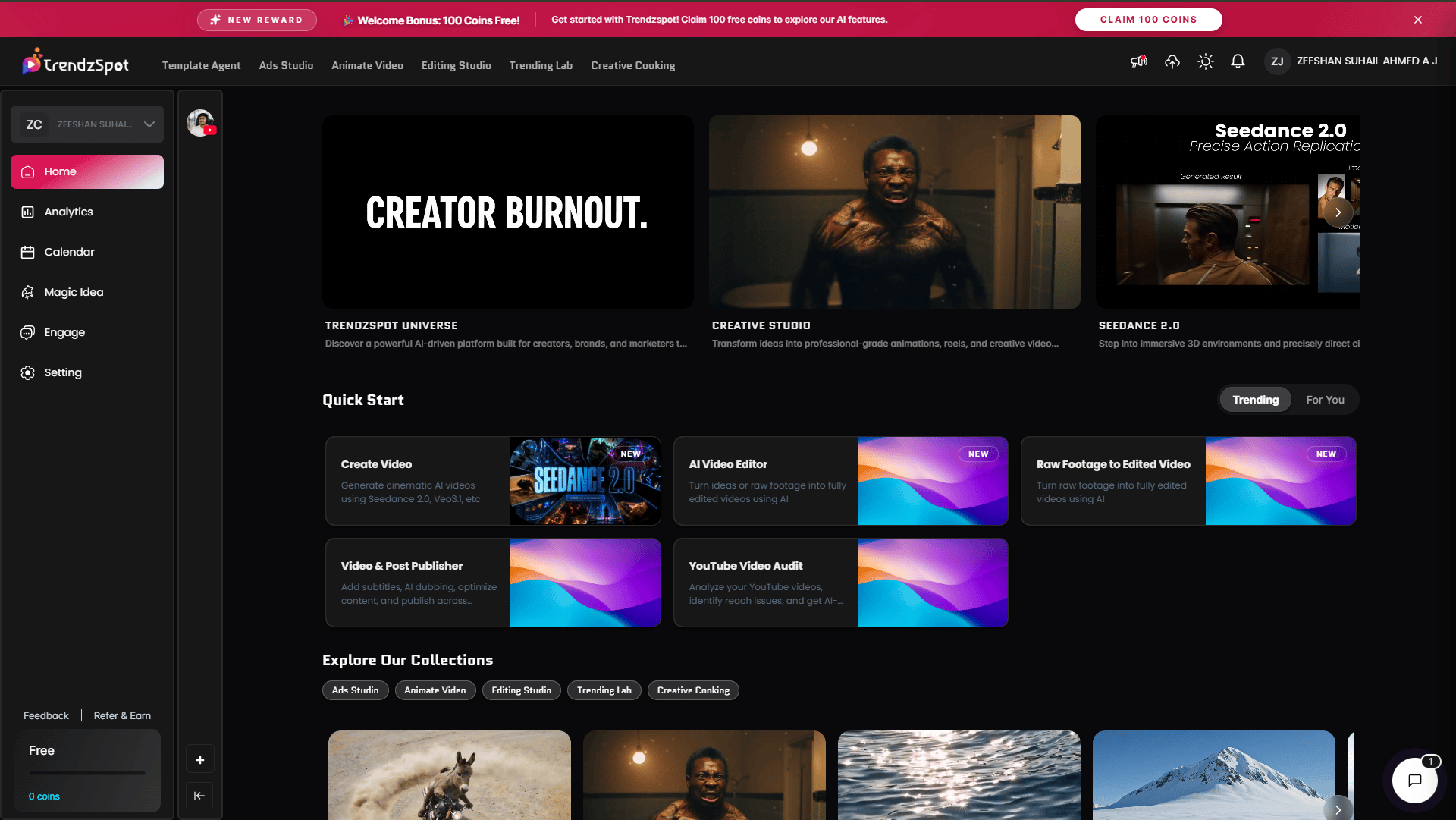 Publish across multiple platforms and activate automations to manage comments, inbox messages, and engagement automatically.
## Next steps
Now that you have your docs running, explore these key features:
Generate videos, shorts, ads, UGC content, and social posts using AI.
Improve rankings, analyze channels, and discover content opportunities with AI insights.
Use Template Agents and no-code automations to handle repetitive tasks
Monitor content performance, engagement, and growth from one dashboard.
**Need help?** See our [full documentation](https://mintlify.com/docs) or join our [community](https://mintlify.com/community).
Publish across multiple platforms and activate automations to manage comments, inbox messages, and engagement automatically.
## Next steps
Now that you have your docs running, explore these key features:
Generate videos, shorts, ads, UGC content, and social posts using AI.
Improve rankings, analyze channels, and discover content opportunities with AI insights.
Use Template Agents and no-code automations to handle repetitive tasks
Monitor content performance, engagement, and growth from one dashboard.
**Need help?** See our [full documentation](https://mintlify.com/docs) or join our [community](https://mintlify.com/community).